Last updated on
npm create
使用场景如
npm create vue@latesthttps://vuejs.org/guide/quick-start
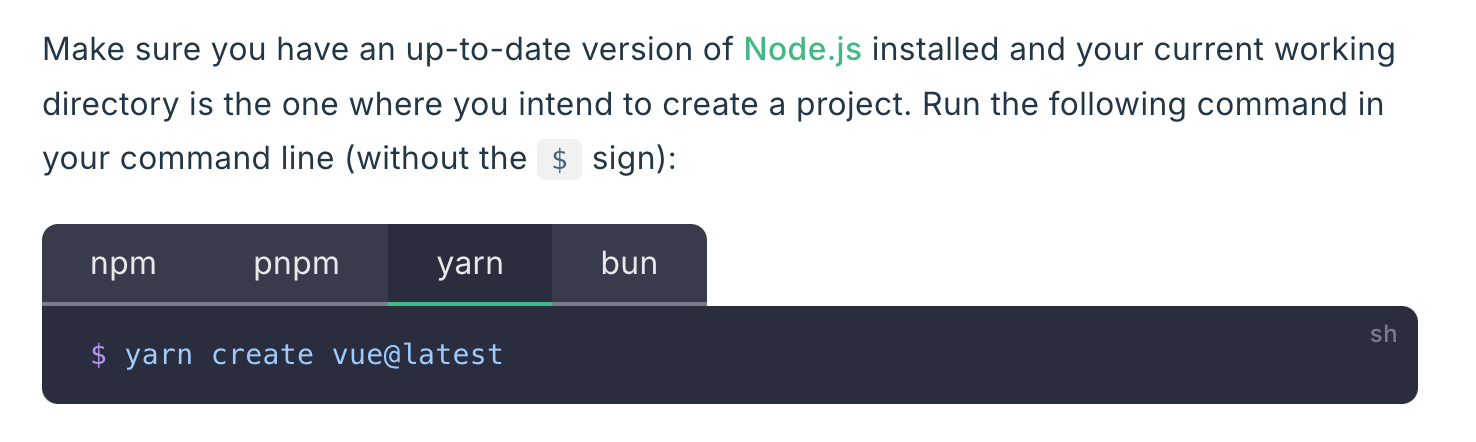
会发现无论是什么 manager 都是这个行为
为了理解这个可以看下 help 说啥
npm create —help
Create a package.json file

Usage:
npm init <package-spec> (same as `npx <package-spec>`)
npm init <@scope> (same as `npx <@scope>/create`)

Options:
[--init-author-name <name>] [--init-author-url <url>] [--init-license <license>]
[--init-module <module>] [--init-version <version>] [-y|--yes] [-f|--force]
[--scope <@scope>]
[-w|--workspace <workspace-name> [-w|--workspace <workspace-name> ...]]
[-ws|--workspaces] [--no-workspaces-update] [--include-workspace-root]

aliases: create, innit

Run "npm help init" for more info
可见 create 等是 init 的 alias
npm help init
NAME
       npm-init - Create a package.json file

   Synopsis
         npm init <package-spec> (same as `npx <package-spec>`)
         npm init <@scope> (same as `npx <@scope>/create`)

         aliases: create, innit

   Description
       npm init <initializer> can be used to set up a new or existing npm package.

       initializer in this case is an npm package named create-<initializer>, which will be installed by npm help npm-exec, and then have its main bin executed -- presumably creating or updating package.json and running any other
       initialization-related operations.

       The init command is transformed to a corresponding npm exec operation as follows:

       •   npm init foo -> npm exec create-foo

       •   npm init @usr/foo -> npm exec @usr/create-foo

       •   npm init @usr -> npm exec @usr/create

       •   npm init @usr@2.0.0 -> npm exec @usr/create@2.0.0

       •   npm init @usr/foo@2.0.0 -> npm exec @usr/create-foo@2.0.0
不确定其他工具是否按这个规范来实现的
bun 只说了部分内容
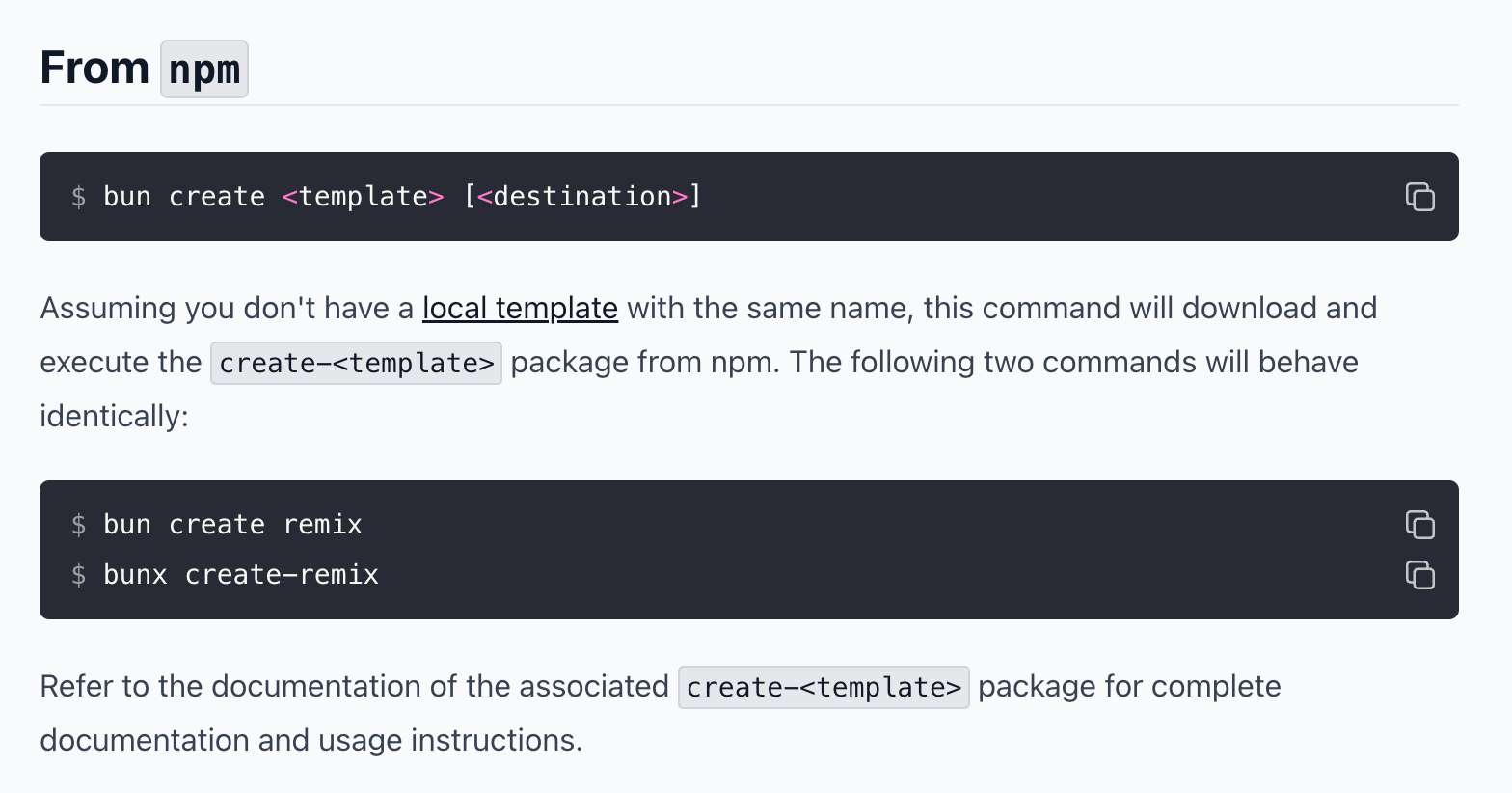
除了能够利用 npm 外 bun 还可以利用 Github、local https://bun.sh/docs/cli/bun-create