Last updated on
利用沙箱解决跨域问题
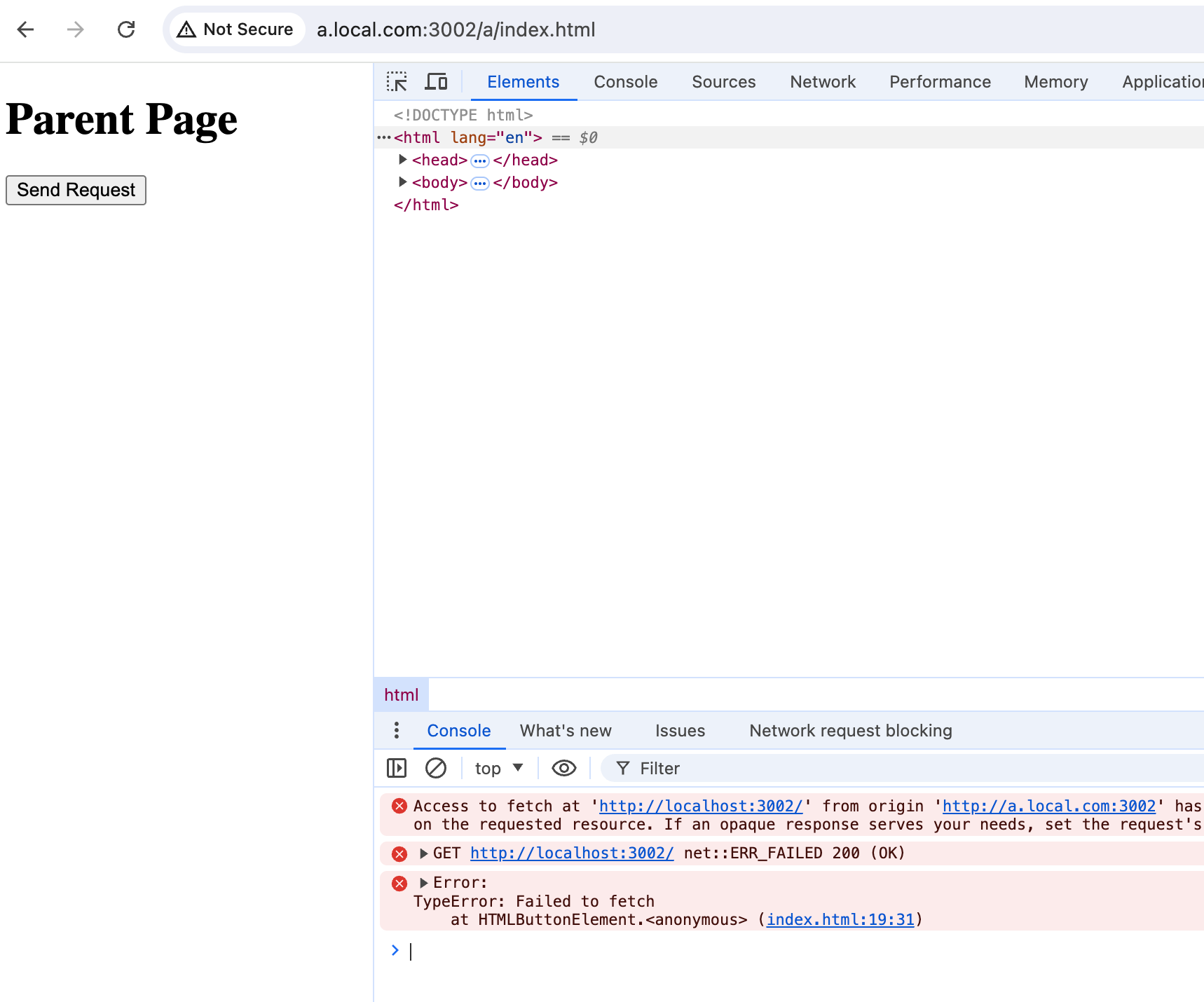
搞一个跨域场景
/etc/hosts
127.0.0.1 a.local.com
127.0.0.1 b.cors.com
const allowedOrigins = ["http://b.cors.com:3002"];
async function bootstrap() {
const app = await NestFactory.create<NestExpressApplication>(AppModule);
let cnt = 0;
app.enableCors({
origin: (origin, callback) => {
console.log("origin: ", origin, cnt++);
if (!origin || allowedOrigins.includes(origin)) {
callback(null, true);
return;
}
callback(null, false);
},
});
// 托管静态文件
app.useStaticAssets(join(__dirname, "..", "static", "father"), {
prefix: "/a",
});
app.useStaticAssets(join(__dirname, "..", "static", "child"), {
prefix: "/b",
});
await app.listen(3002);
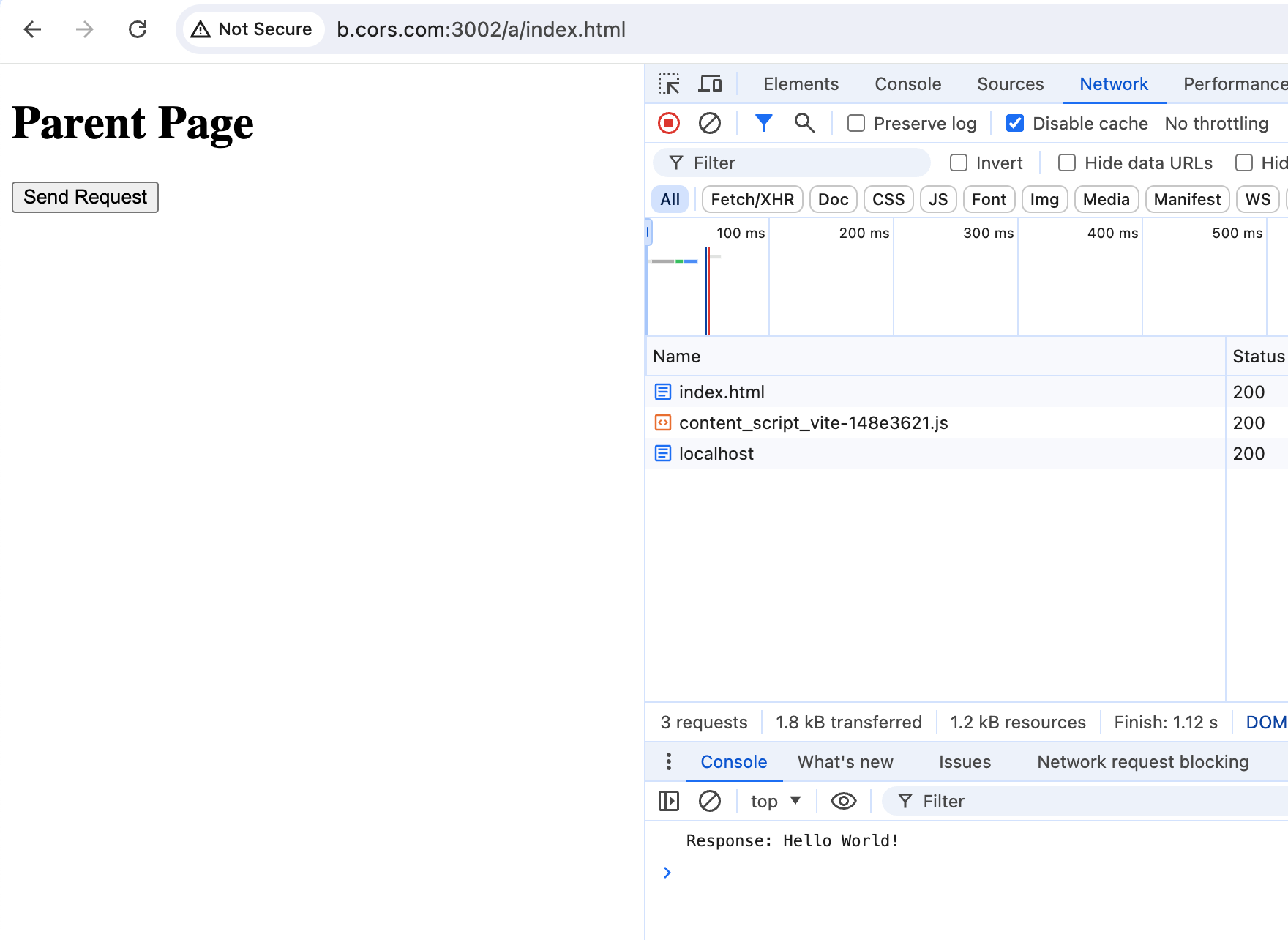
}cors 仅仅 让 b.cors.com 过
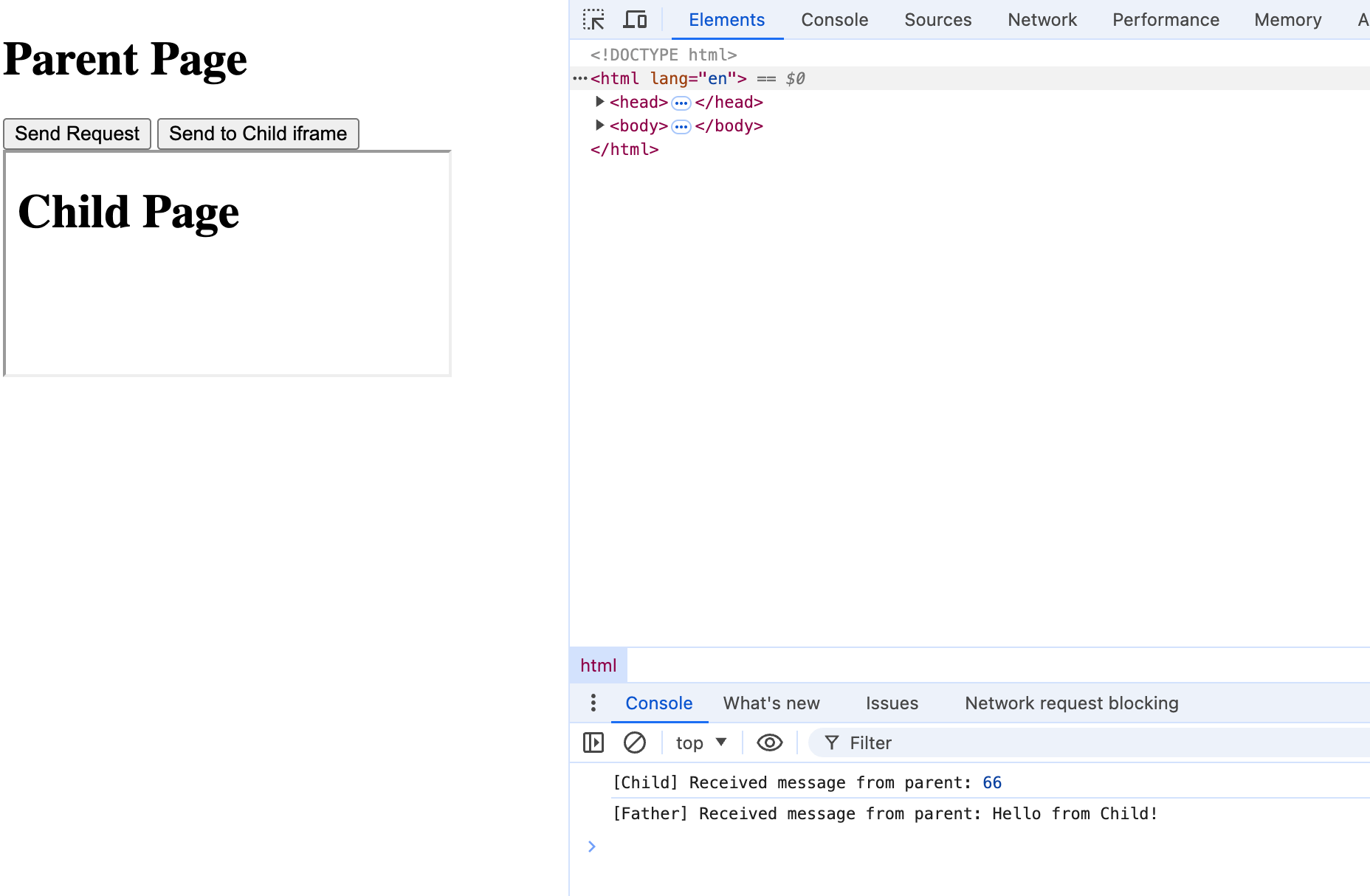
Father 和 Child iframe 通信
The contentWindow property returns the Window object of an HTMLIFrameElement.
postMessage(message, targetOrigin);const iframe = document.getElementById("childIframe");
document.getElementById("sendToChild").addEventListener("click", async () => {
iframe.contentWindow.postMessage(
{
source: "XxxUniqueID",
data: 66,
},
"*"
);
});
window.addEventListener("message", async (event) => {
if (event.data?.source === "XxxUniqueID") {
console.log("[Father] Received message from parent:", event.data.data);
}
});window.addEventListener("message", async (event) => {
if (event.data?.source === "XxxUniqueID") {
console.log("[Child] Received message from parent:", event.data.data);
window.parent.postMessage(
{ source: "XxxUniqueID", data: "Hello from Child!" },
"*"
);
}
});
Father 让 Child 发请求,解决跨域问题
document
  .getElementById("requestButtonUseIframe")
  .addEventListener("click", async () => {
    // 利用 iframe 发送请求
    iframe.contentWindow.postMessage(
      {
        source: "XxxUniqueID",
        type: "Request",
        data: {
          endpoint: "http://localhost:3002/",
        },
      },
      "*"
    );
});window.addEventListener("message", async (event) => {
if (event.data?.source !== "XxxUniqueID") {
return;
}
const { type, data: eventData } = event.data;
console.log("[Child] Received message from parent:", event.data.data);
switch (type) {
case "Request":
{
try {
const res = await fetch(eventData.endpoint, {
method: "GET",
});
const data = await res.text();
console.log("[Child] Response:", data);
window.parent.postMessage({ source: "XxxUniqueID", data }, "*");
} catch (error) {
console.error("[Child] Error:", error);
}
}
break;
default:
break;
}
});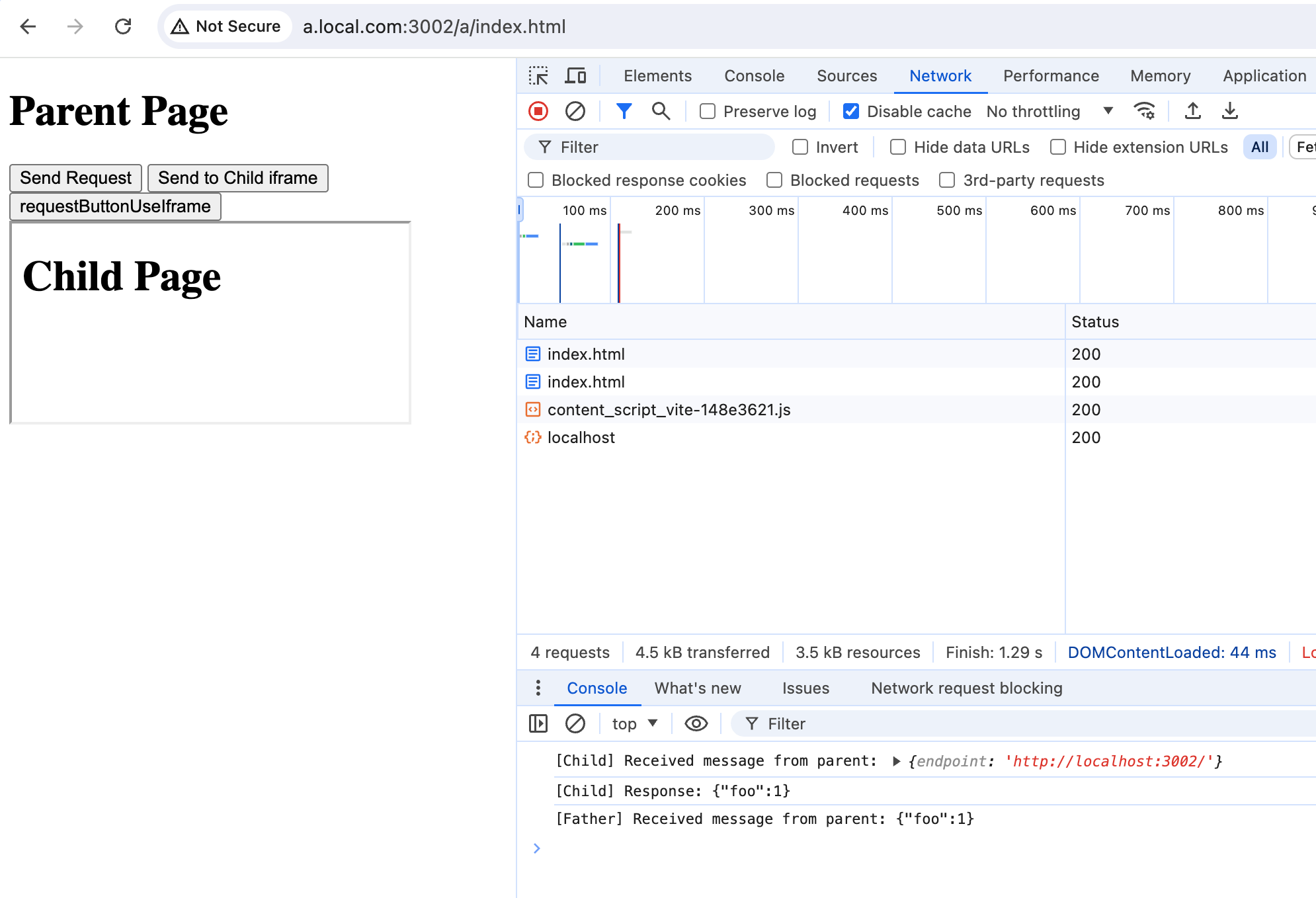
目前基本流程跑通了
还有问题
- 发多个请求,咋知道拿到的结果是哪个请求对应的
- 如何在 father 里无感的调用用 api,屏蔽下层 postMessage 的实现细节
解法
- 生成 uuid
- 通过 uuid 和 EventEmitter 来进行组合实现